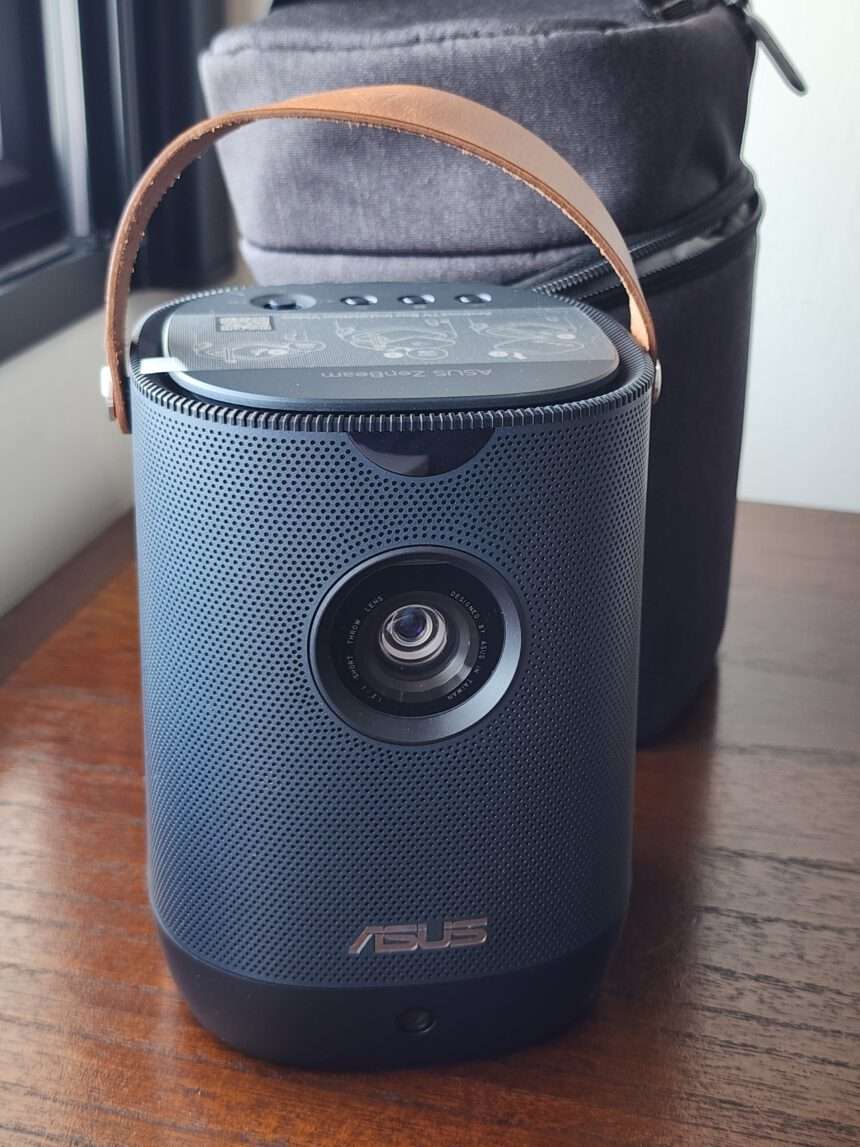
ASUS ZenBeam L2 is a portable LED projector with Full HD resolution and brightness rated at 960 LED lumens, or 400 ANSI lumens. It has autofocus, automatic keystone correction and a built-in battery. There is also a 10W Harman Kardon speaker and an included Android TV box for streaming.
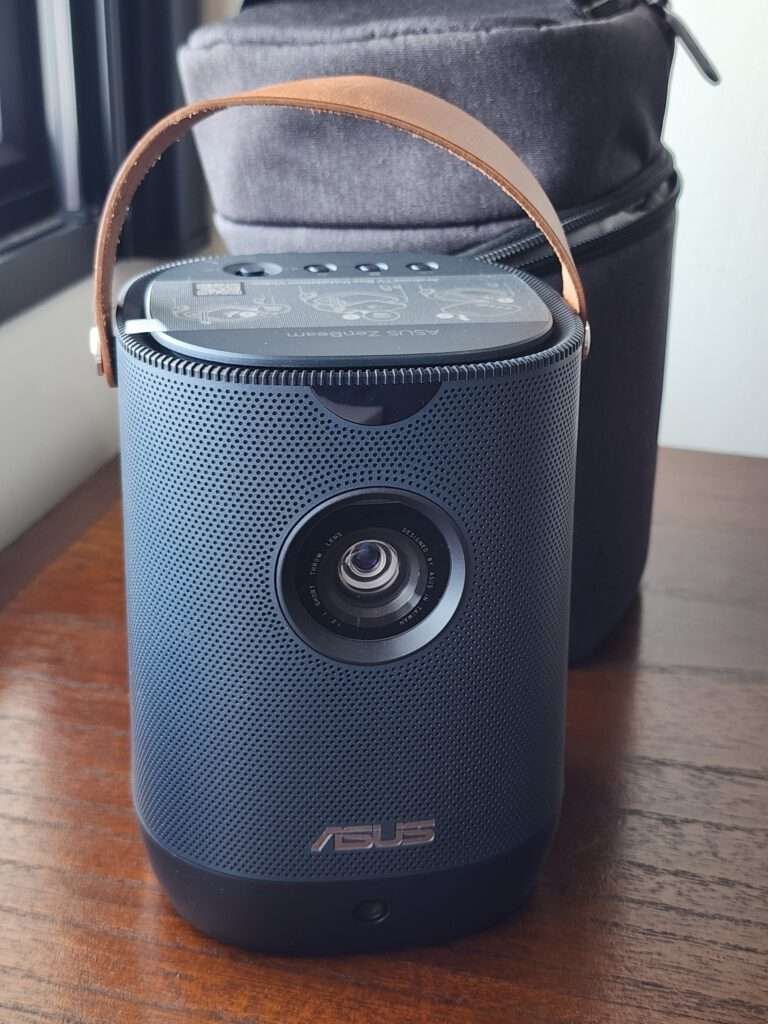
The ZenBeam L2 stands upright and has a carrying handle across the top. It takes up a small area on the table and the dark blue body gives it a simple appearance that suits a home setup.
I tested it with movies, basketball, racing footage and games projected directly onto my wall. The projector is easy to move around, but the room lighting makes a big difference to the final picture.
Unboxing
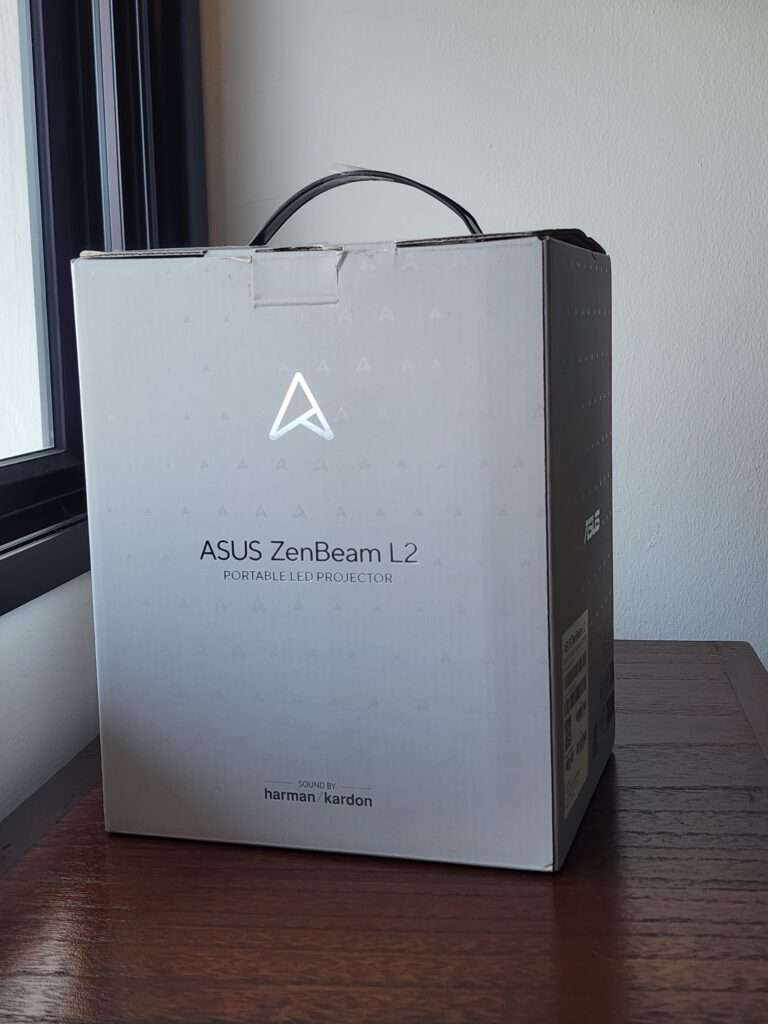
The projector comes in a tall box with a handle at the top.
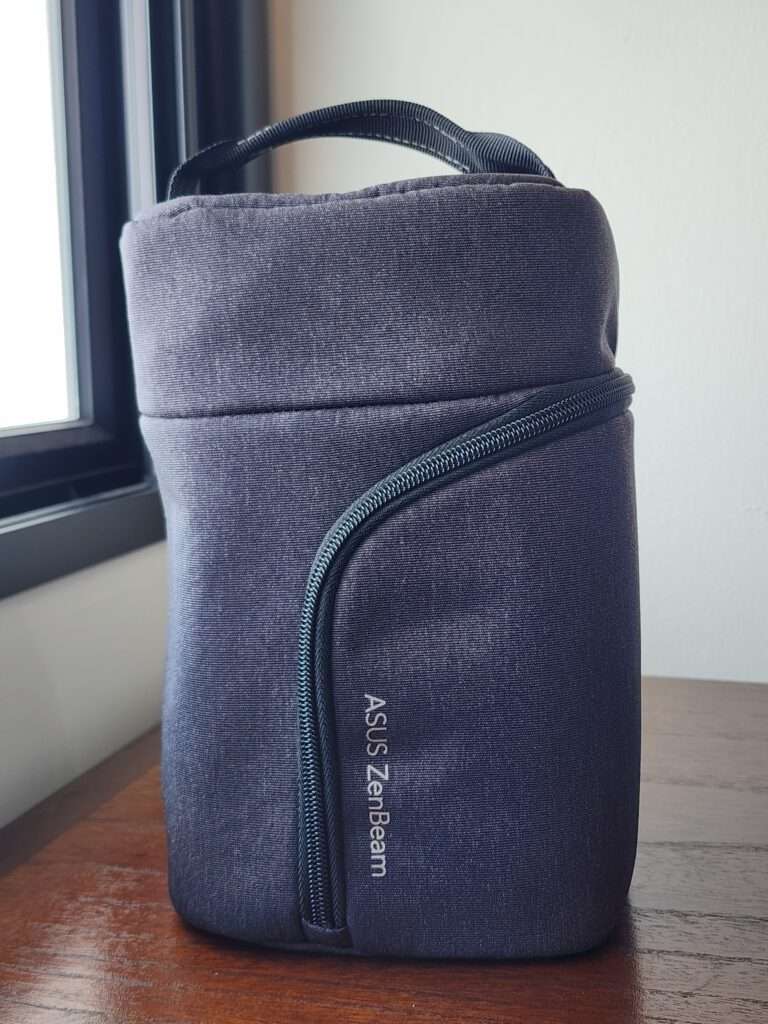
A good-quality carrying case is included. The case has two separate sections, with plenty of padding around the projector and another section for the power adapter, remote control and cables.
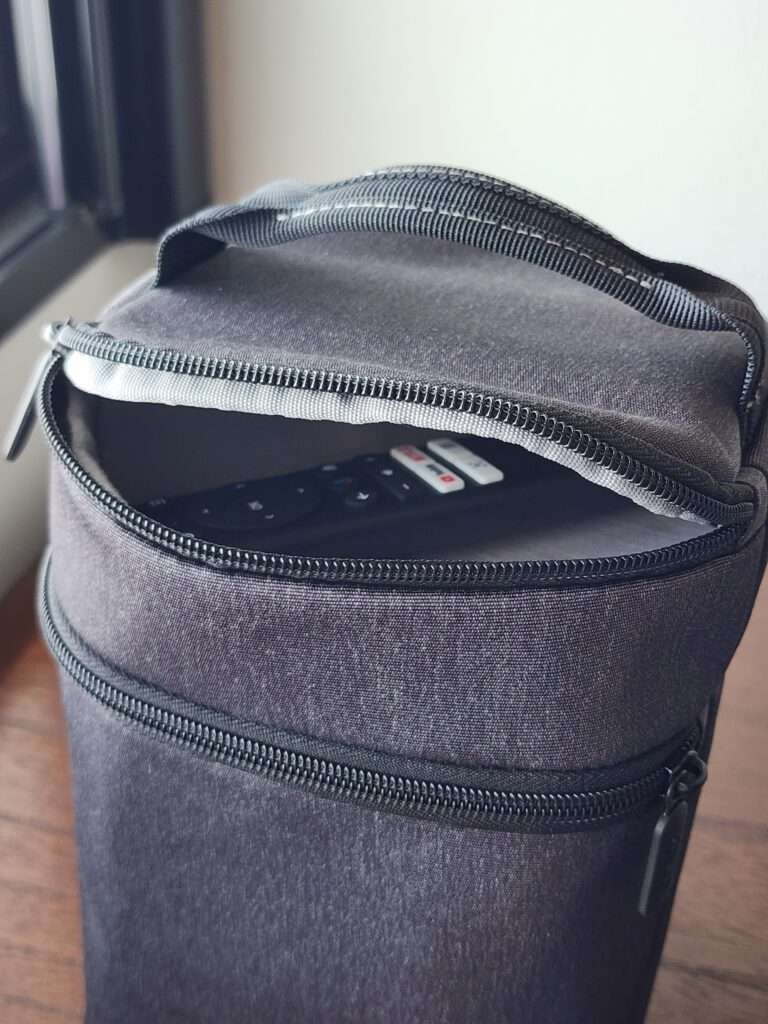
The projector fits inside upright and the case has its own handle. I find this much better than a simple pouch because everything can be kept together and the projector is properly protected when carried around.
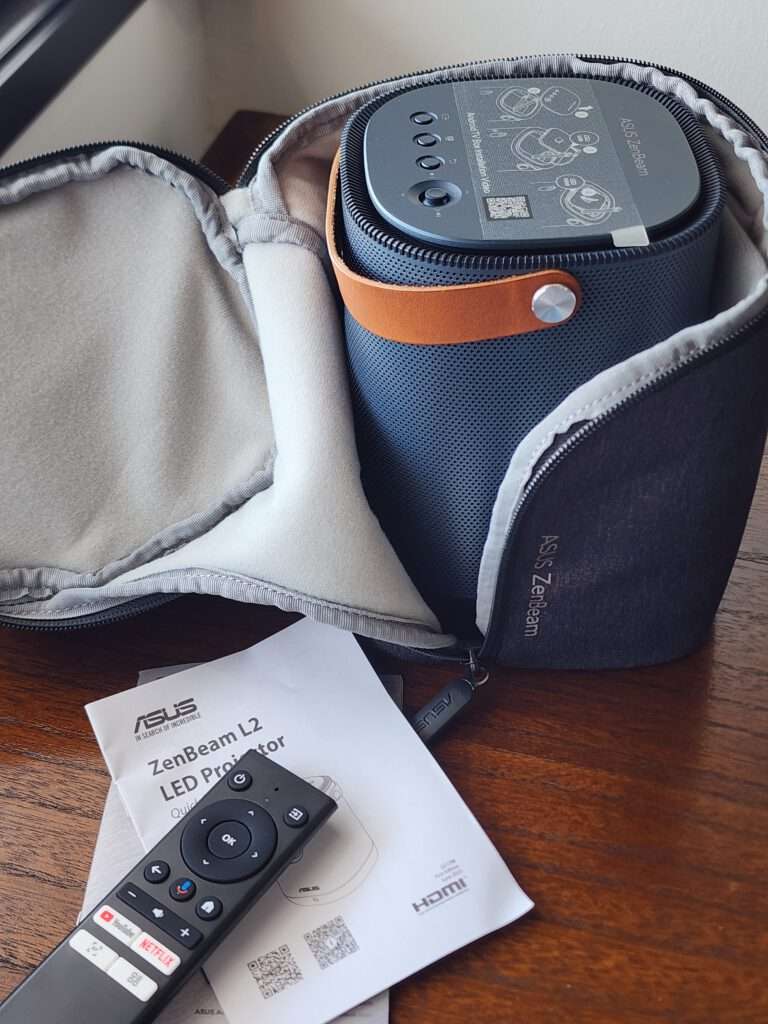
The accessories include the power adapter, power cable, remote control and documentation. The remote is useful when the projector is on a table away from the seating position.
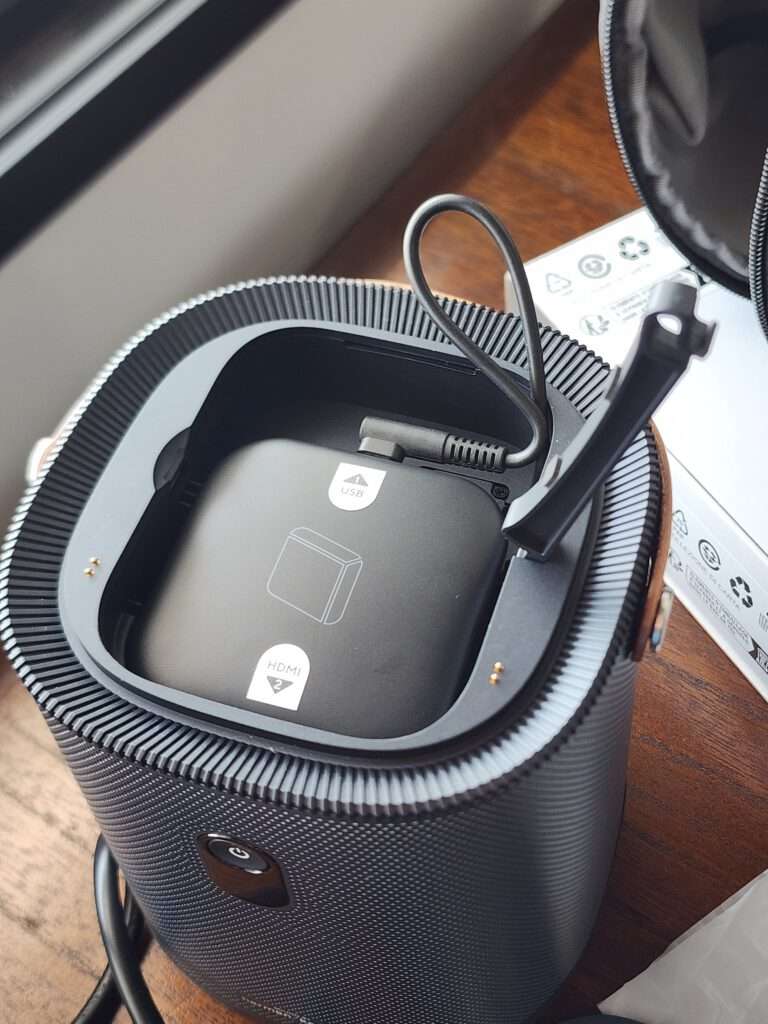
There is a separate Android TV box included too, for a hidden compartment under the removal top.
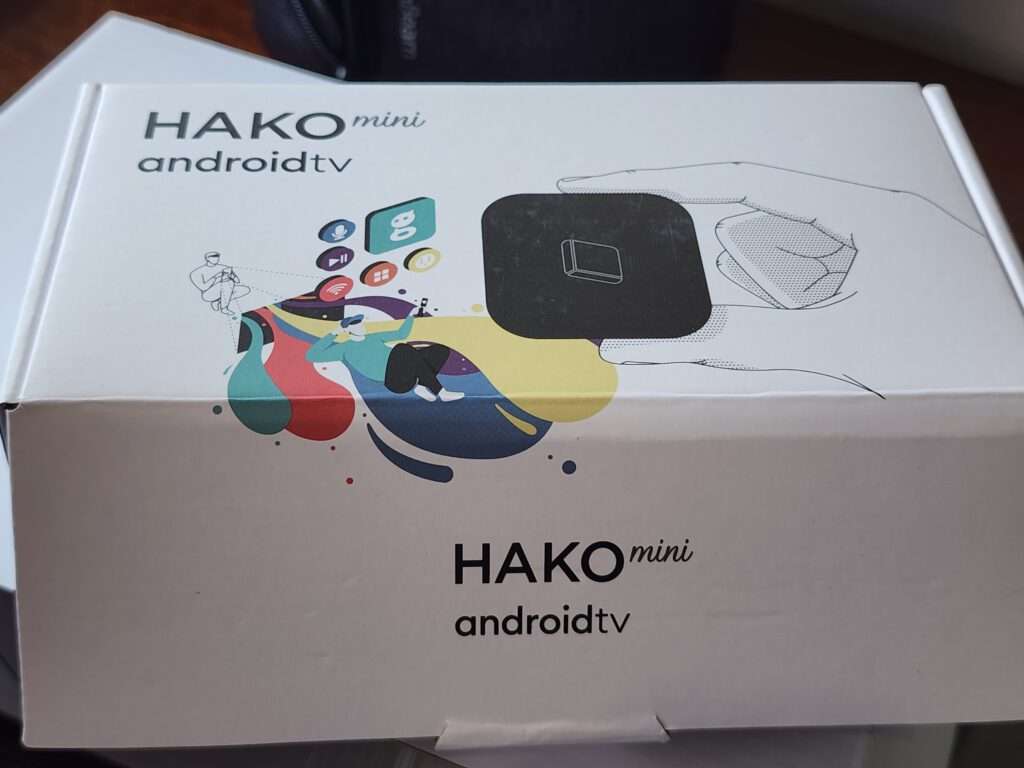
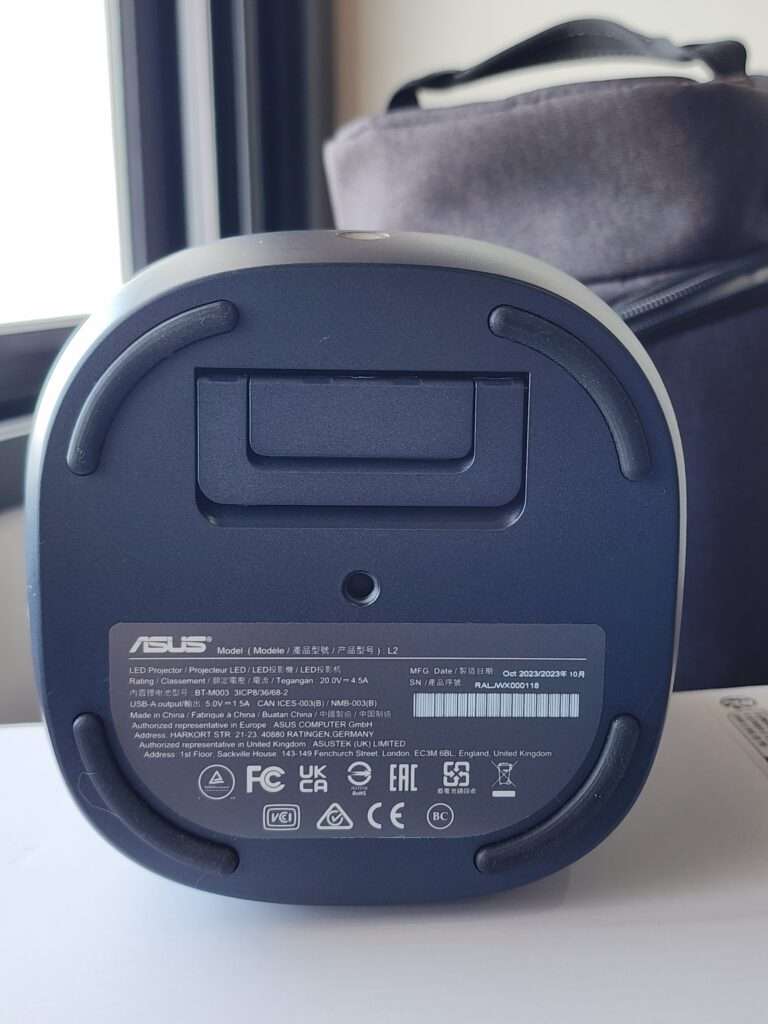
The supplied unit shown here is a HAKO mini Android TV box. It is small enough to fit into the compartment inside the projector, so it does not need its own space on the table.
Having a place for the TV box is a nice detail. A portable projector can easily become a collection of loose devices and cables, so keeping the streaming box inside makes the setup tidier.
Hardware
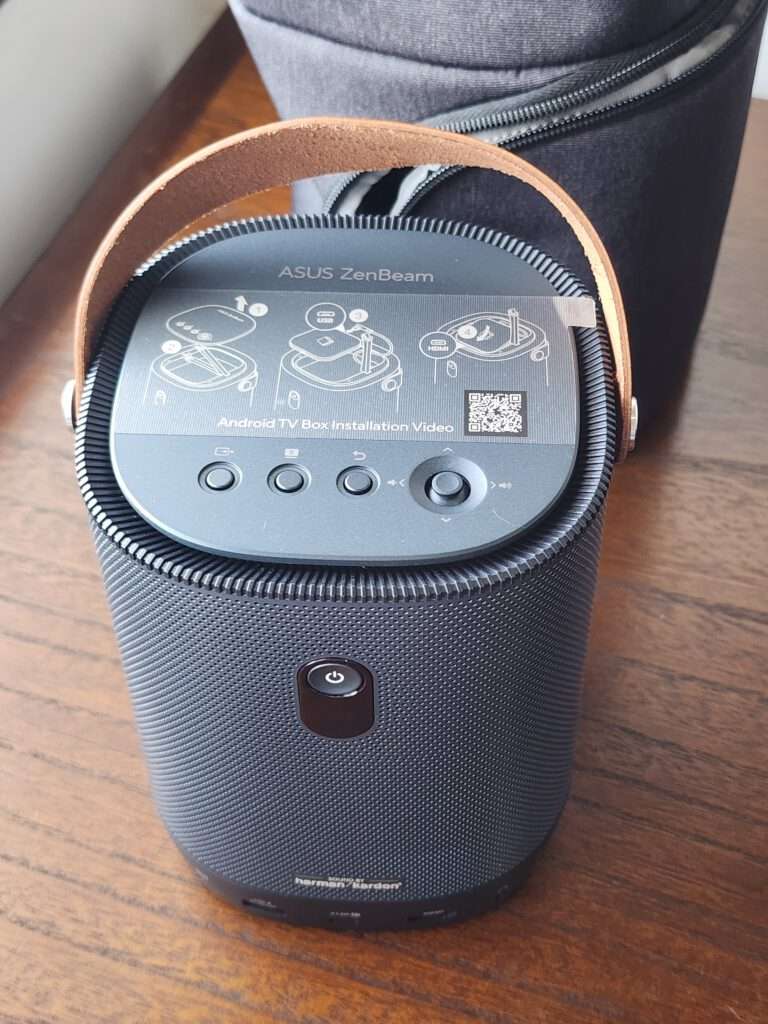
From the front, we can see the lens near the top and the ASUS logo towards the bottom. The blue body has rounded corners, with a brown carrying handle providing some contrast.
The dark blue and charcoal finish looks smart, while the brown carrying handle adds a bit of contrast. I like the rounded design and it does not look out of place in a living room or bedroom.
The lens sits inside a circular surround. There is also a sensor on the front for the automatic adjustment functions.
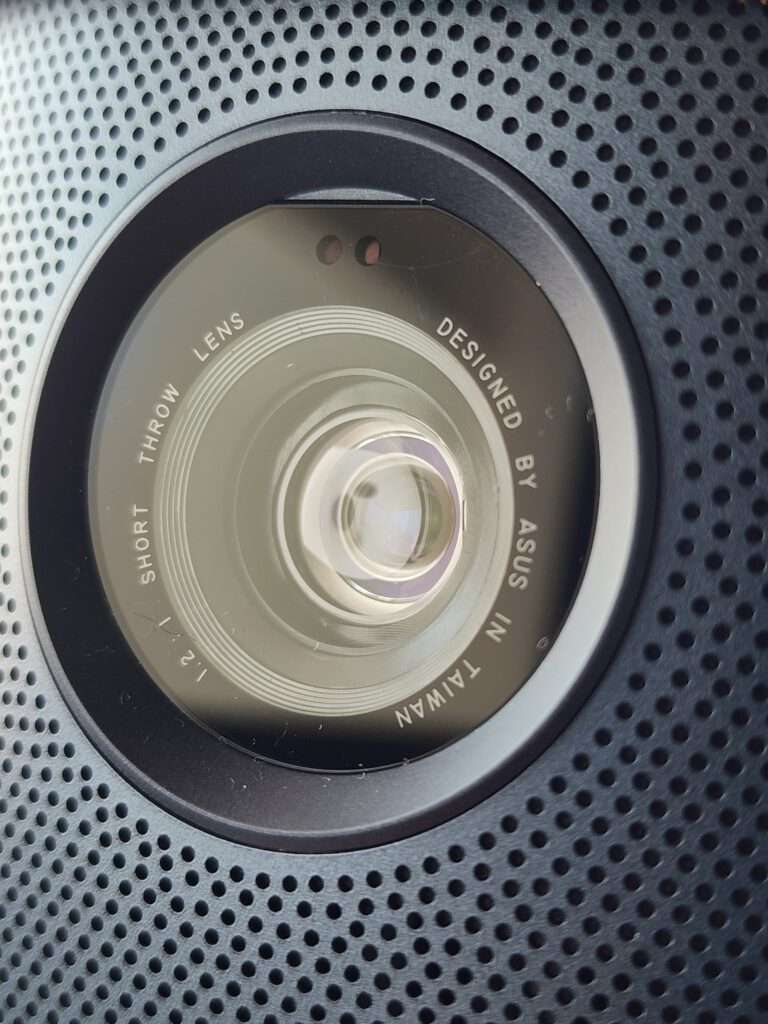
Autofocus takes care of focusing the picture without having to turn a lens ring. This is a useful feature on a projector that may be moved to a different position each time it is used.
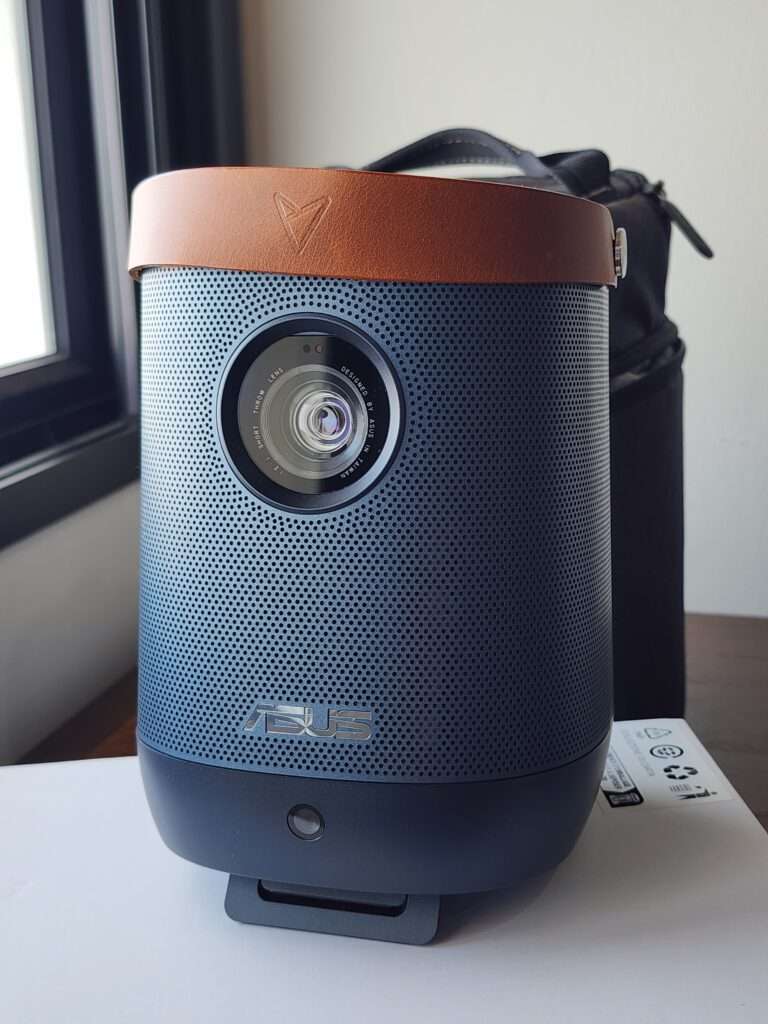
The projector measures 132 × 172 × 132mm and weighs 1.57kg. It is compact enough to carry between rooms, although the power adapter and other accessories add to the total when bringing everything out.
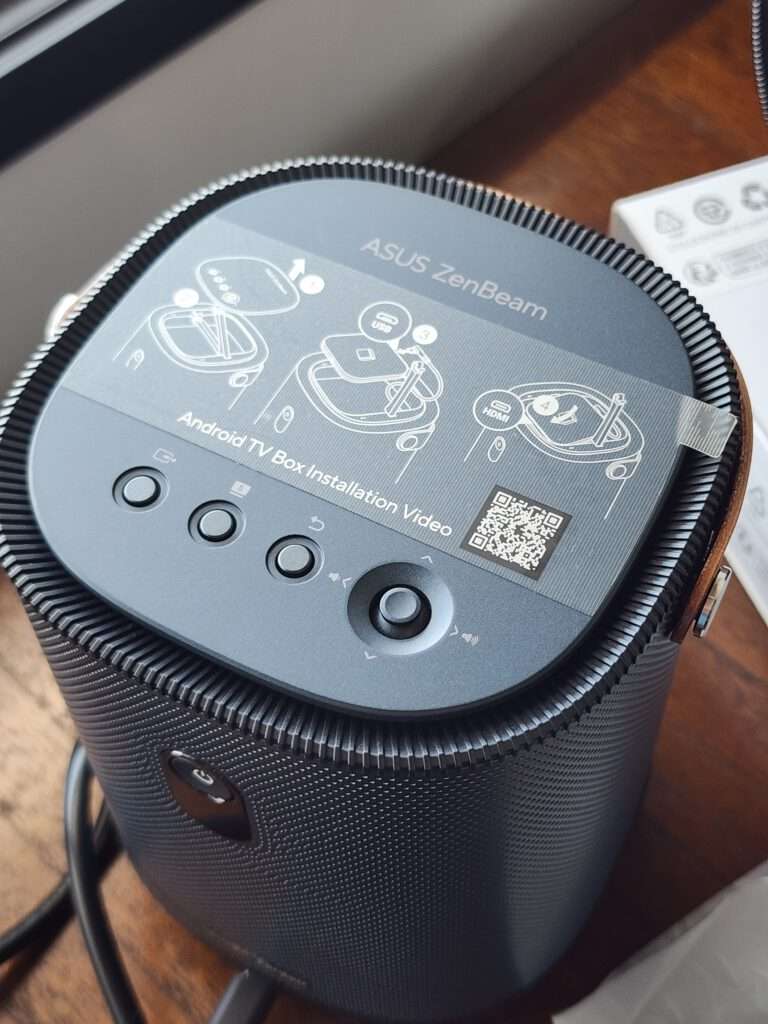
The controls are located on the top. The buttons sit together near the edge, where they are accessible without reaching around to the back.
The carrying handle goes over this area. It is one of the more noticeable parts of the design and gives you somewhere to hold the projector when moving it.
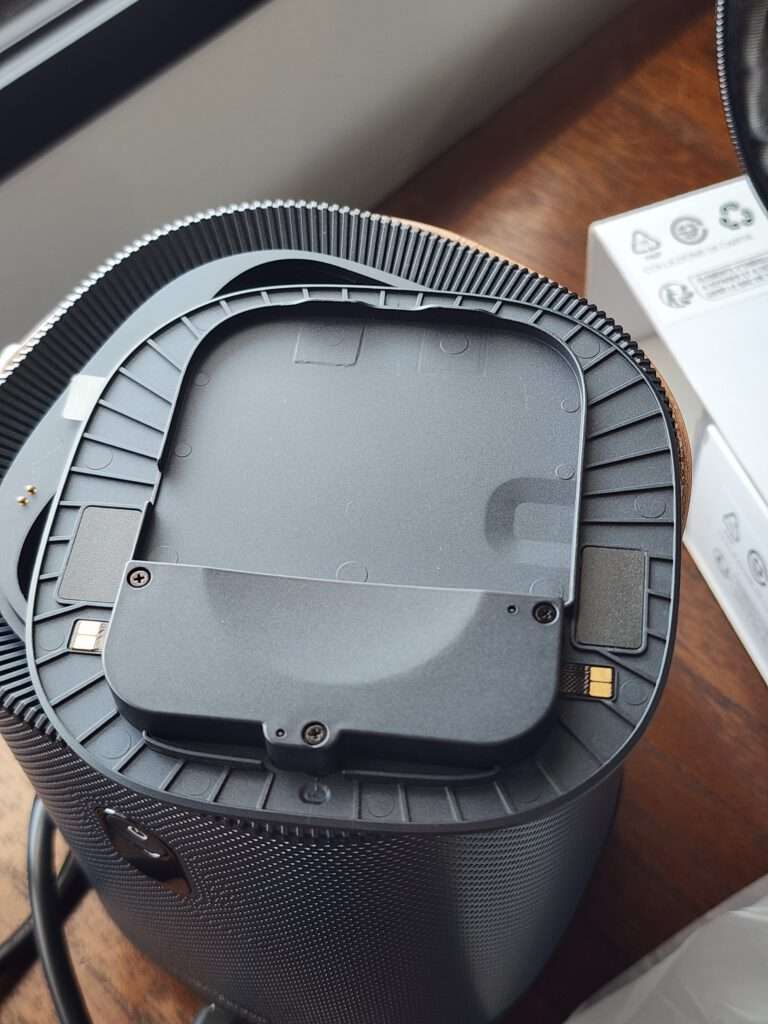
Removing the top cover reveals the compartment for the Android TV box. There are short internal connections for the box, keeping the wiring contained inside the body.
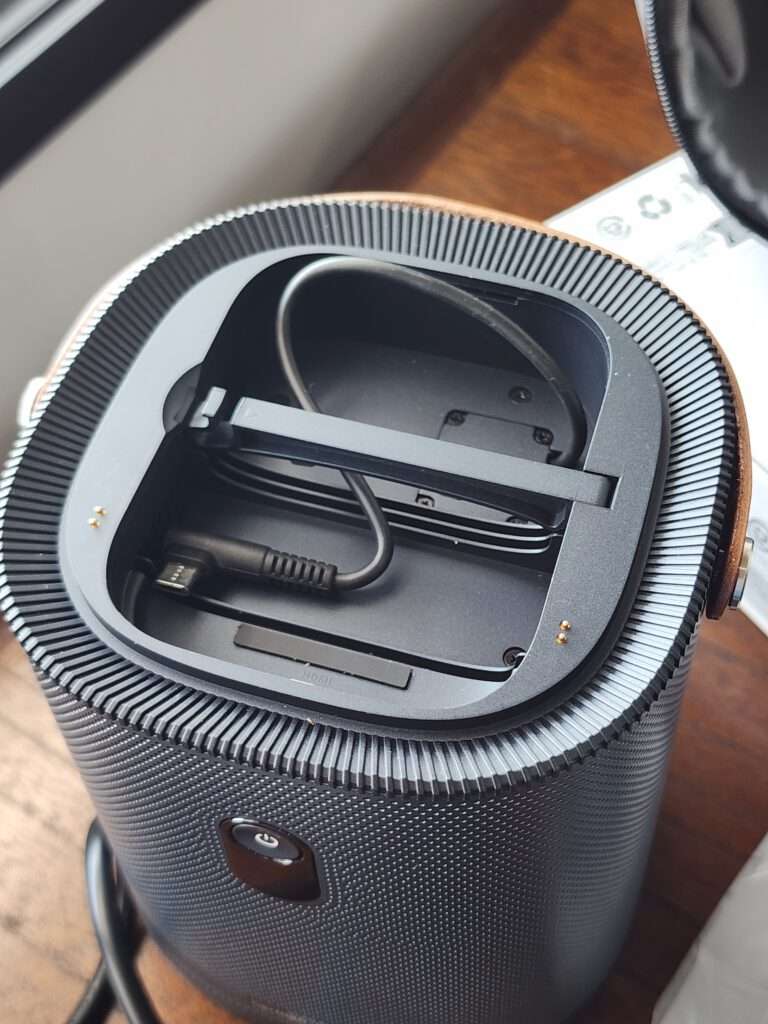
The box connects to the short HDMI and power cables inside. Once the cover is back on, the streaming hardware is completely hidden.
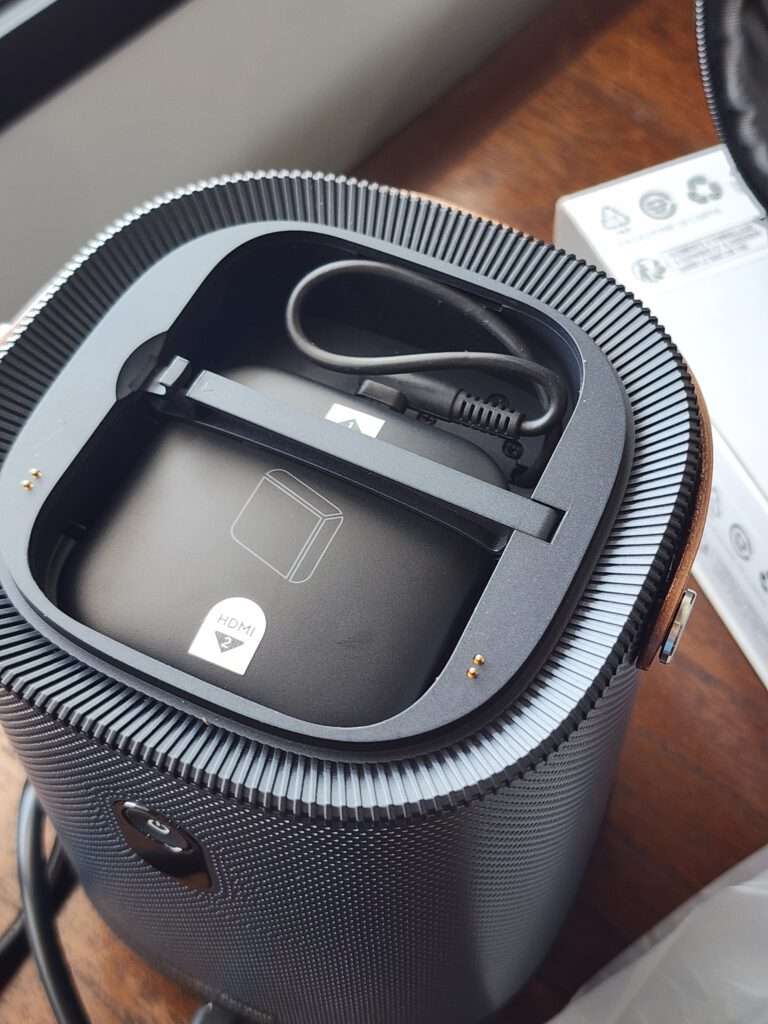
This arrangement leaves the outside looking clean. There is no streaming dongle hanging from the rear when using the supplied box, which suits the portable design well.
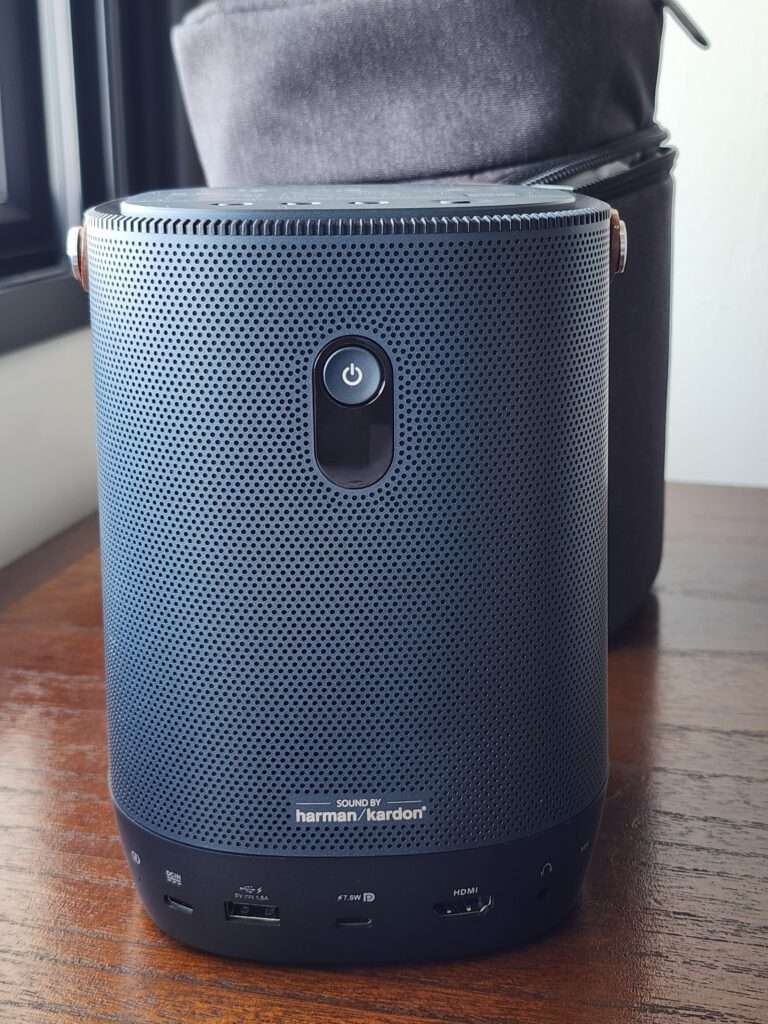
At the rear, we can see the perforated grille and the Harman Kardon badge. The connection ports are arranged along the lower part of the body.
There is one external HDMI input for connecting a laptop, game console or another video source. The internal connection for the Android TV box is separate from this.
There are also two USB-C ports with different purposes. One accepts video through DisplayPort Alt Mode, while the other is for power input. A compatible device and cable are needed when using USB-C for video.
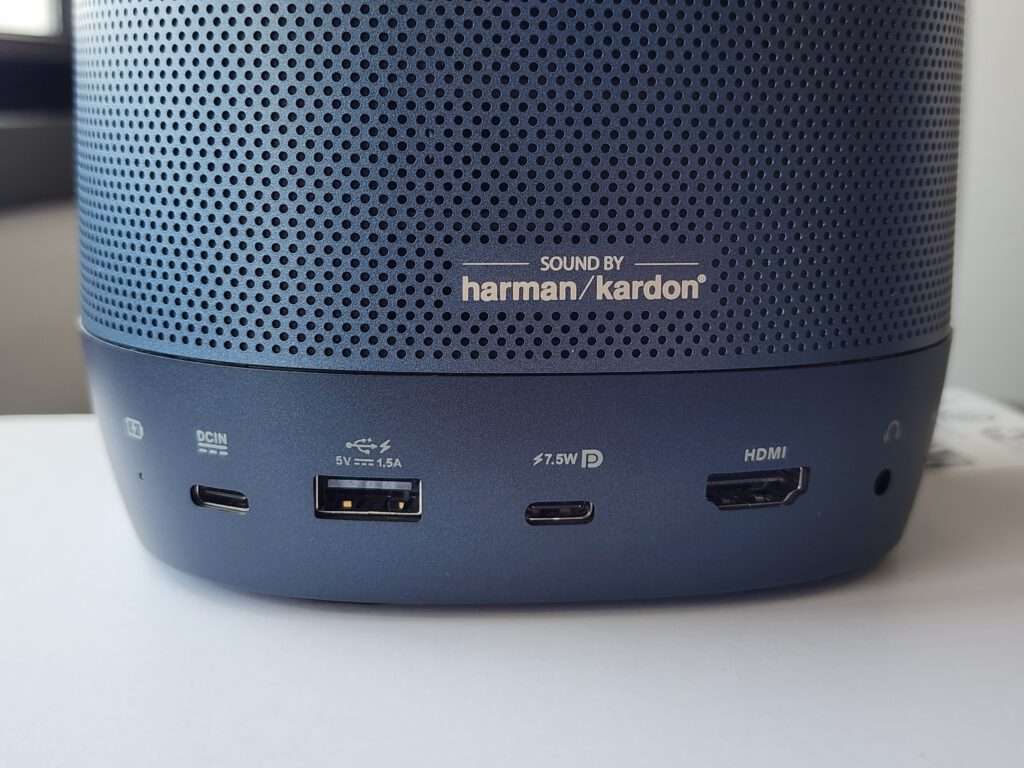
The USB-A port provides power output. There is also a 3.5mm audio socket for connecting headphones or external speakers.
The ports are grouped together, so the cables come out from the same side. This makes it easier to keep the front of the projector facing the wall without wires running around the lens area.
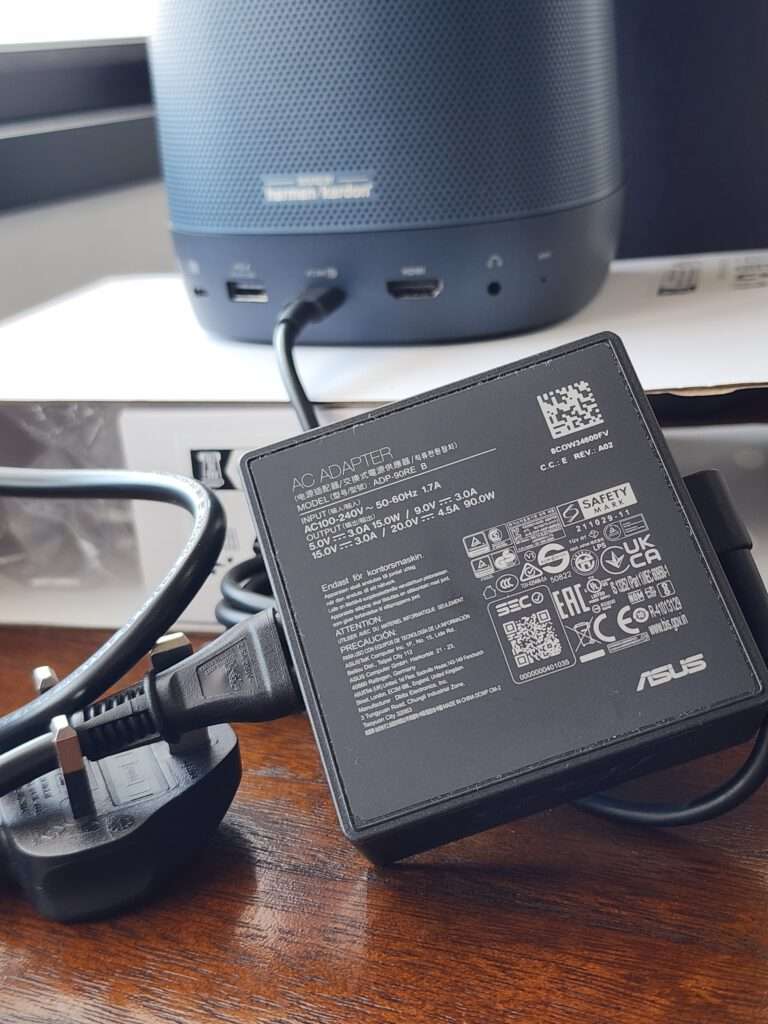
The projector uses an external power adapter. It is another item to carry, but there is space for it inside the supplied case.
A built-in battery is convenient, but the adapter is still useful for longer viewing sessions. At home, leaving it connected avoids having to stop and recharge halfway through an evening.
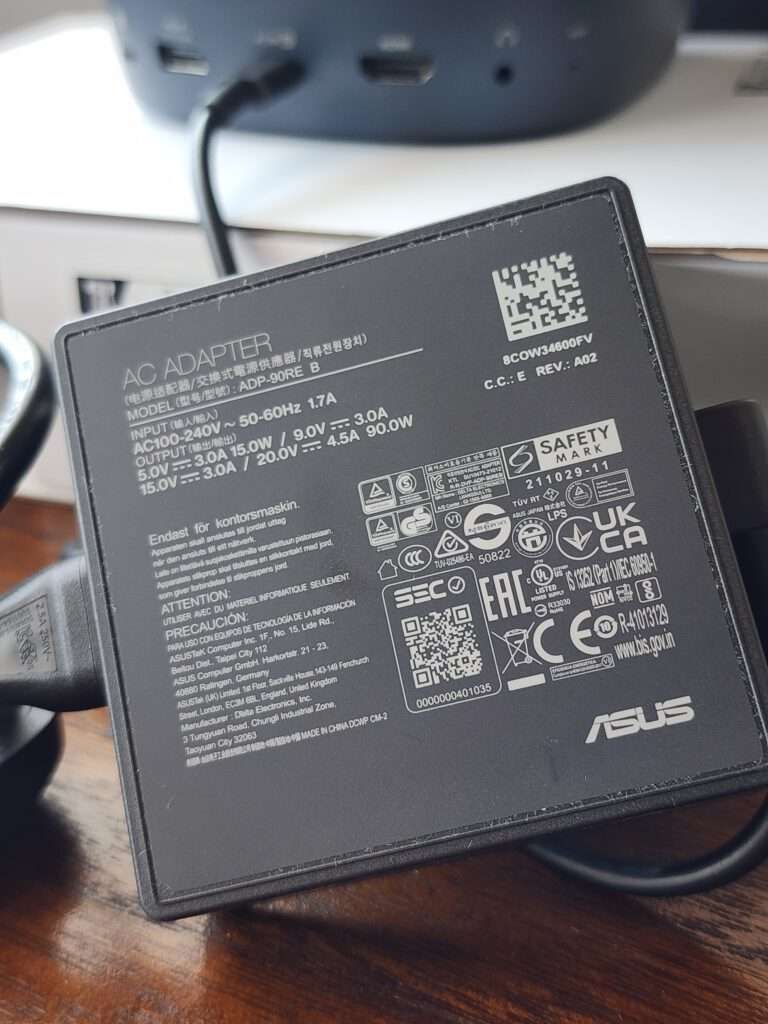
Underneath, there is an adjustable stand and a tripod mounting point. The stand provides a way to raise the projection angle when the table is lower than the desired picture position.
A tripod gives another placement option if there is no suitable table. The projector still needs a stable support, especially with cables connected at the rear.
Usage
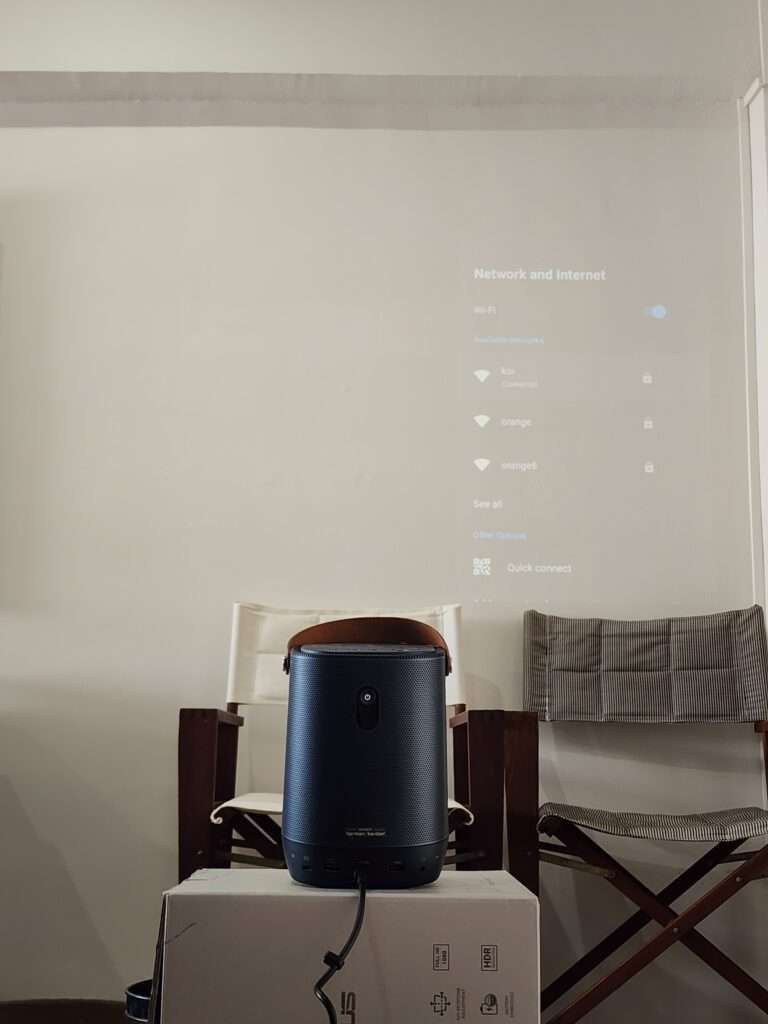
I used the projector directly on my wall without a separate screen. Finding a suitable position was quite easy because it only needs about one metre for a 40-inch picture.
The ZenBeam L2 can project a 40-inch picture from around one metre away and up to a 120-inch picture from around three metres.
At the larger size, there needs to be enough clear wall space. Furniture and other objects below the picture also affect where the projector can be placed.
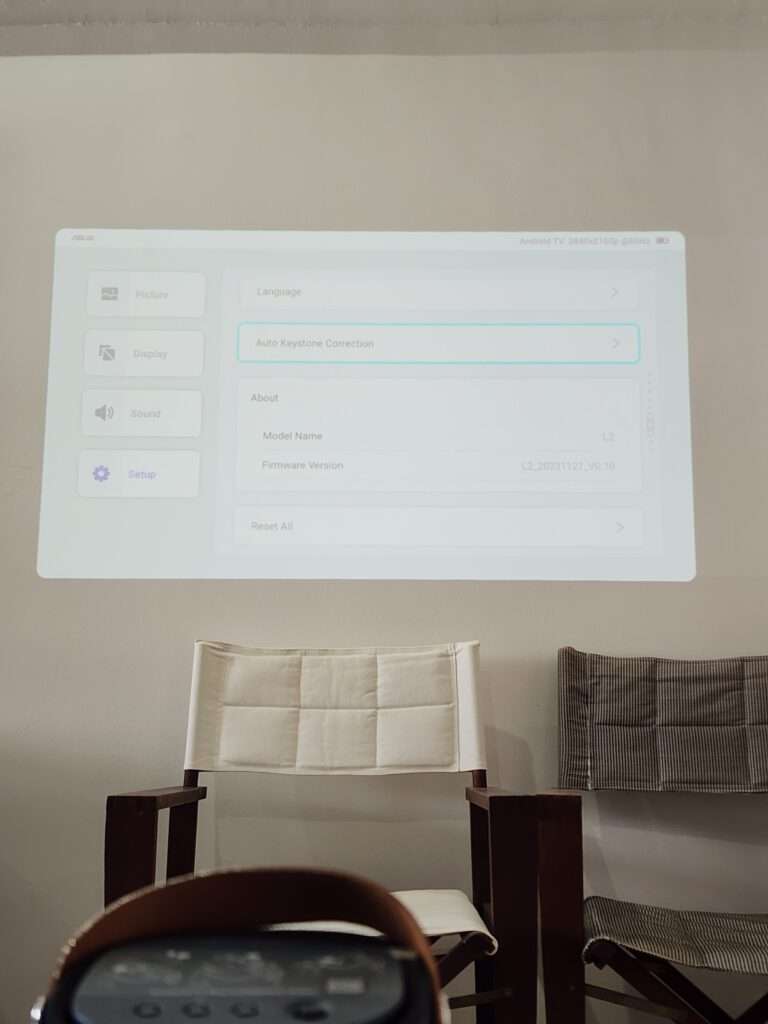
The instant autofocus and automatic horizontal and vertical keystone correction work very well. After powering it on, I get a sharp and properly aligned picture with very little adjustment needed.
Focus and keystone are separate adjustments. Focus affects sharpness, while keystone deals with a picture that looks wider at one side because of the projection angle.
There is also automatic obstacle avoidance. If something is blocking part of the wall, the projector can resize and move the picture away from it. I still find it better to position the projector as straight as possible before letting the automatic correction finish the job.
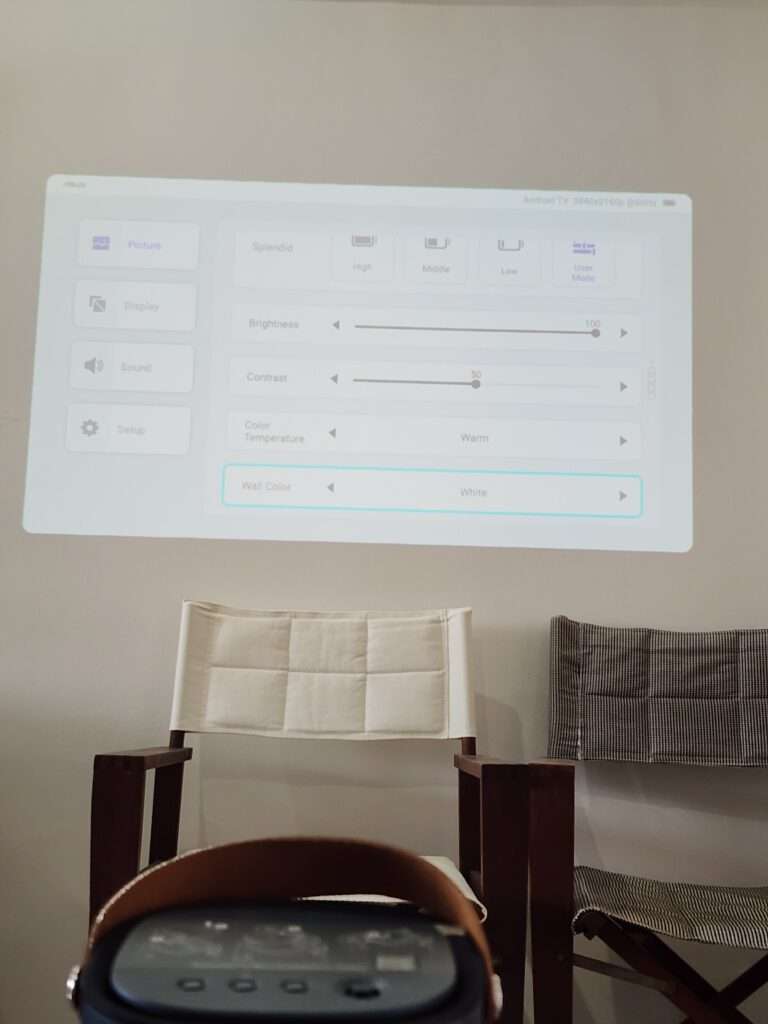
The settings menu is simple and easy to navigate. Brightness, contrast and focus can be adjusted here, and the controls on top of the projector give quick access to the input, volume and focus.
The settings menu is simple and easy to navigate. Brightness, contrast and focus can be adjusted here, and the controls on top of the projector give quick access to the input, volume and focus.
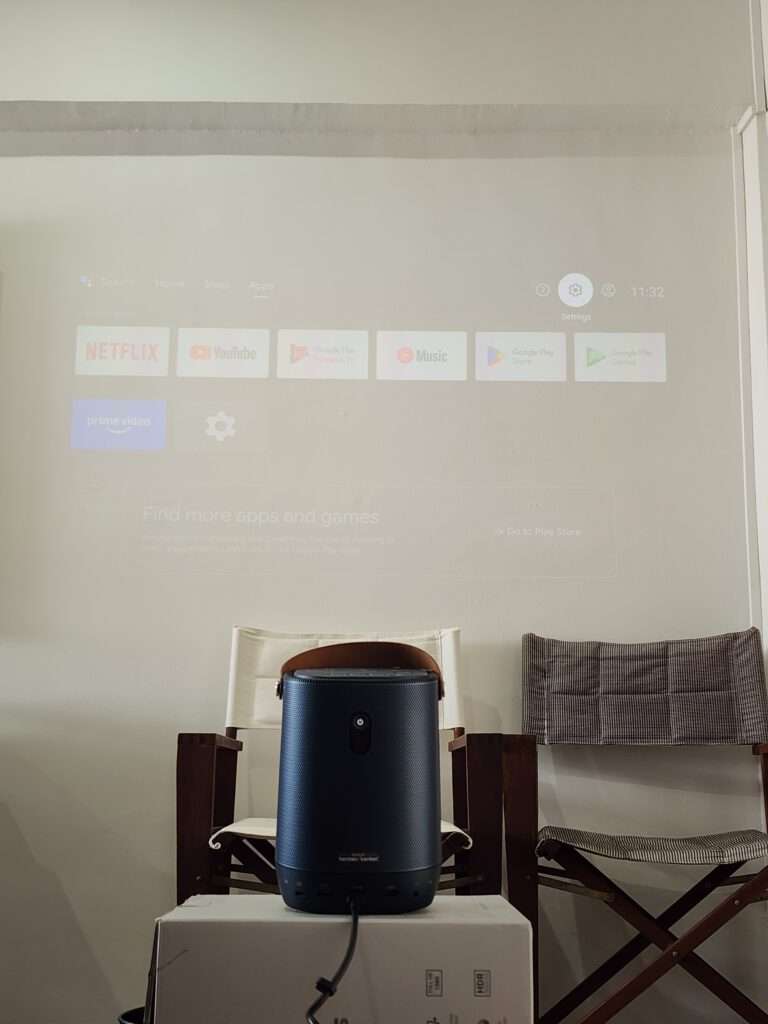
The Android TV box comes with Netflix preloaded and supports Chromecast. Other supported streaming apps can be used too, depending on their availability in the region.
The interface is easy to navigate and the apps can be rearranged on the home screen. If you have an Android phone, the initial setup is quicker because your Google account details can be copied across.
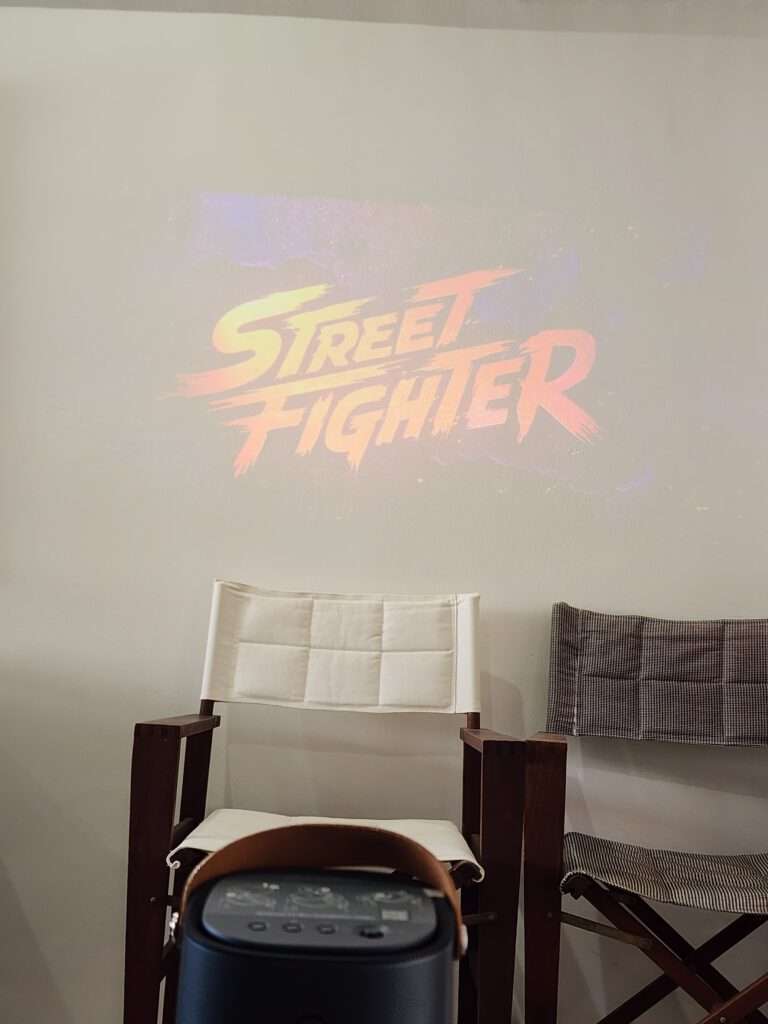
The large picture makes casual gaming more enjoyable and I did not have a problem with the response during normal play. Competitive players will still be better served by a high-refresh gaming monitor.
The built-in 65Wh battery lasts up to 3.5 hours in Battery Low mode. In this mode, the brightness is limited to around 240 lumens, so the room needs to be properly dark.
This is useful for a temporary setup where the nearest power point is inconvenient. It also means the projector can be repositioned without immediately needing an extension cable.
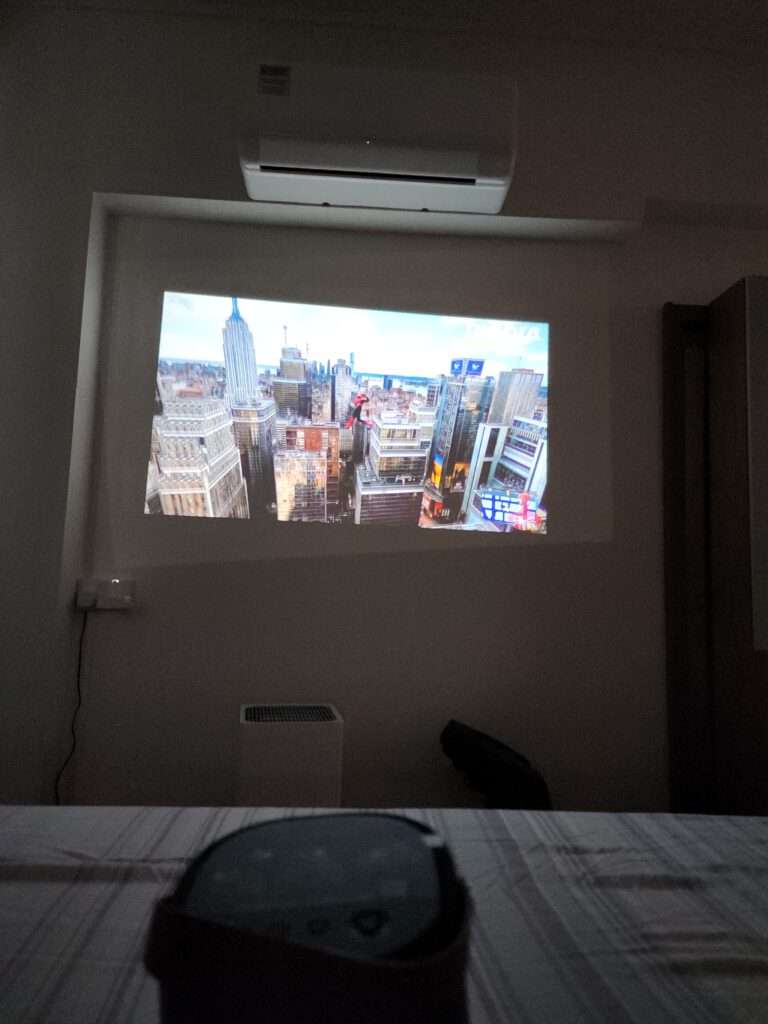
For a longer session, mains power remains the easier option. The advertised battery figure should not be treated as a guaranteed runtime at every brightness setting.
There is also ASUS Light Wall with 26 built-in animated scenes. You can project a fireplace, northern lights, a starry sky and other moving backgrounds onto the wall. It is a fun extra that can make the room feel a little cosier when you are not watching anything.
Image Quality
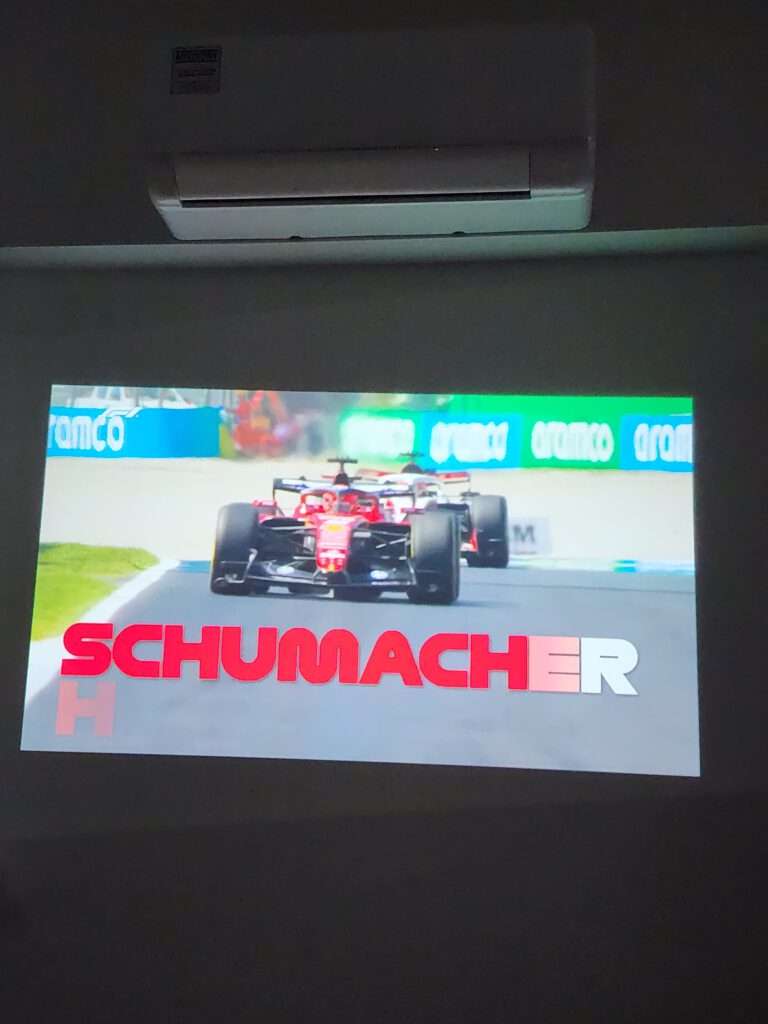
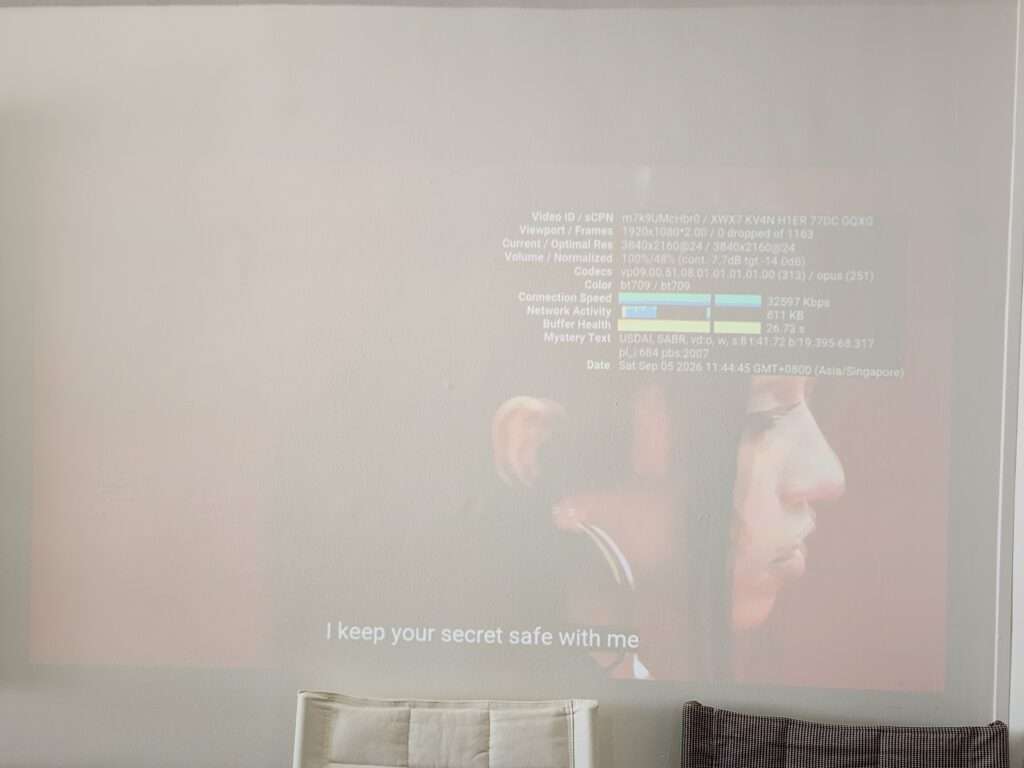
The ZenBeam L2 projects at a native Full HD resolution of 1920 × 1080. It can accept a 4K input signal, but the displayed picture is still Full HD.
Brightness is specified at 400 ANSI lumens, with ASUS also using a 960 LED lumens rating. The two figures use different brightness conventions and should not be compared as if they were the same measurement.
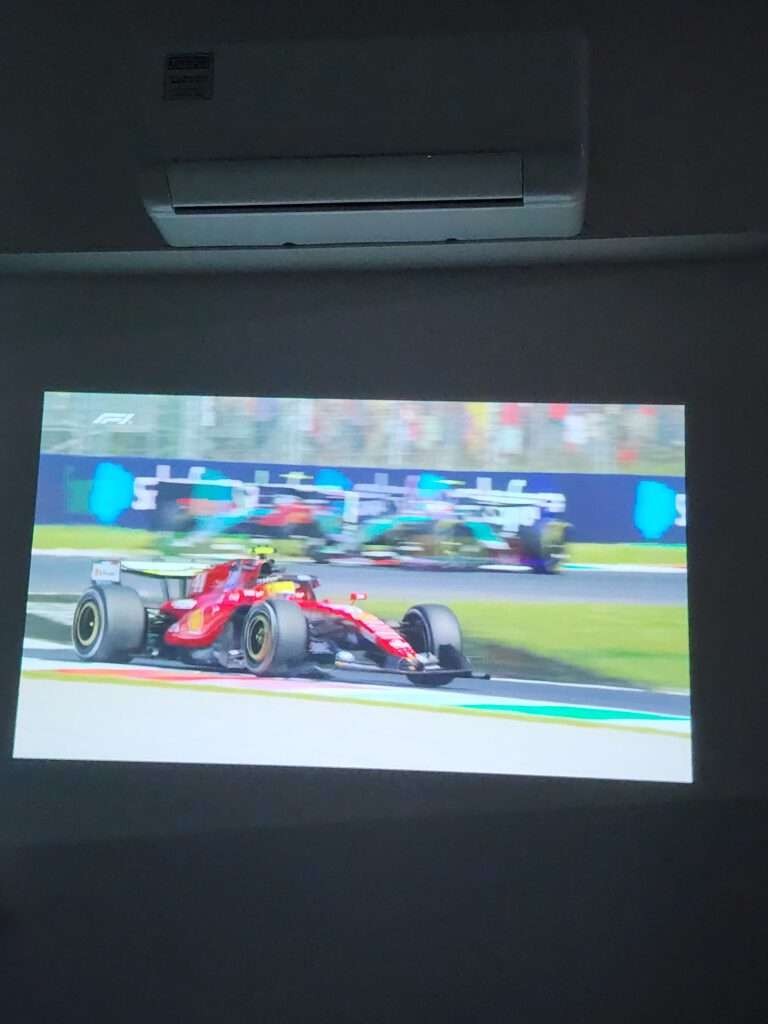
In a darkened room, the red car, green track and white lettering stand out clearly. The image looks colourful and well defined, especially when there is no light falling directly onto the wall.
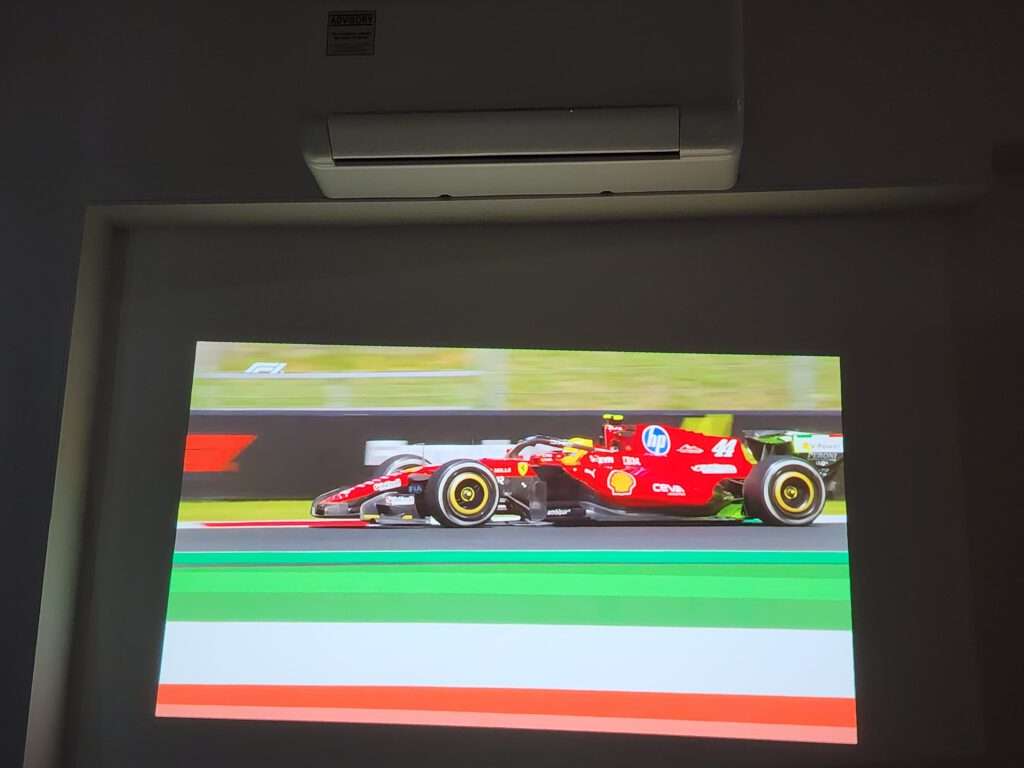
The Full HD resolution is sharp enough for movies, sports and games. Text is clear and I only noticed a small drop in sharpness near the edges when more keystone correction was used.
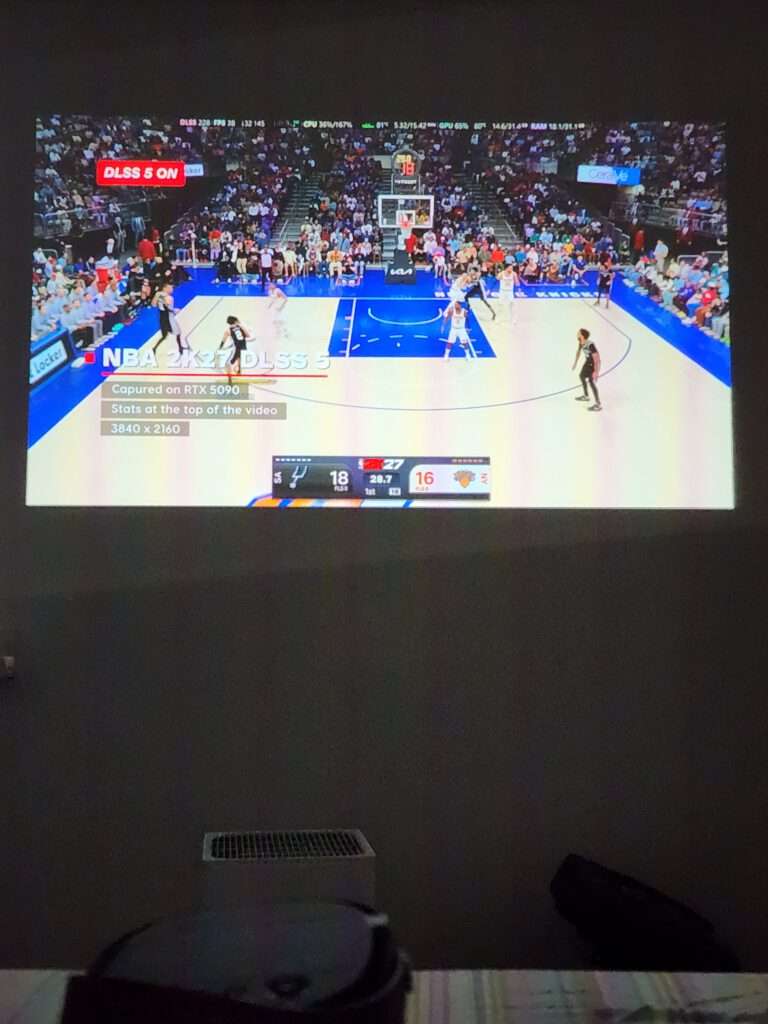
Basketball looks good on the large screen too. The court is bright and easy to follow, while the larger picture makes sports more enjoyable when watching with other people.
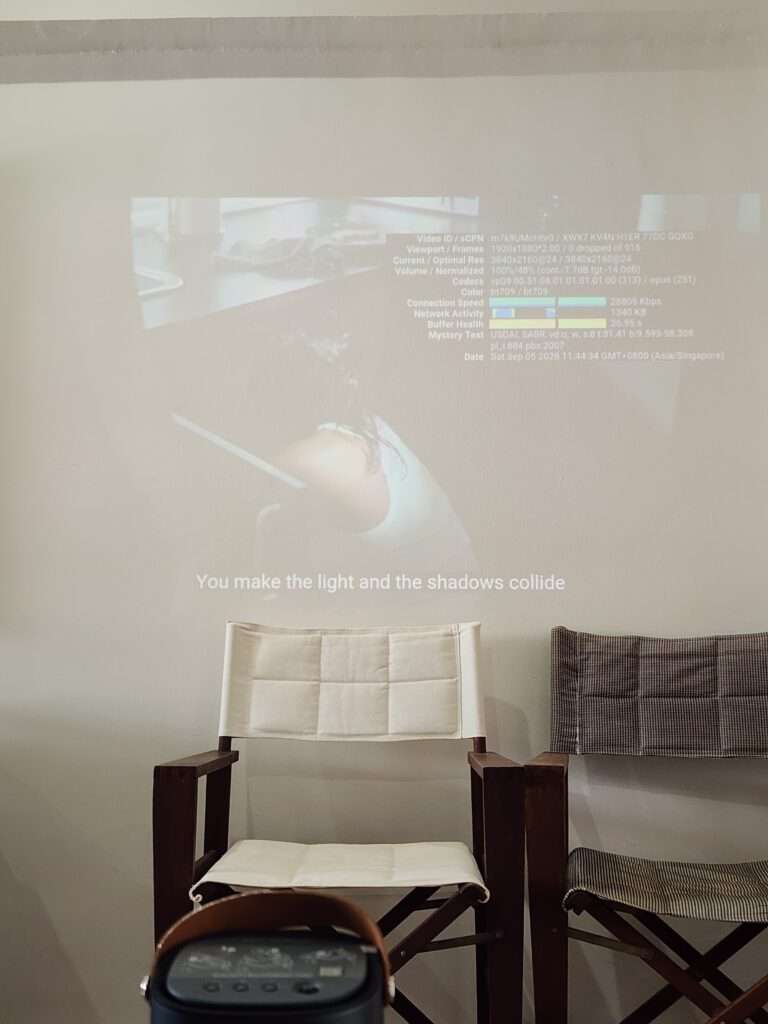
The projection does not have to fill the entire wall to be enjoyable. I find a slightly smaller picture gives a better balance between size, brightness and sharpness.
Picture size makes a difference to brightness. Enlarging the image spreads the available light over more wall area, so choosing a slightly smaller picture can be a practical compromise.
The main limitation is brightness. The picture is still visible in a brighter room, but the colours look faded and darker parts of the image start to blend into the wall.
This is particularly noticeable in the menu screens and darker game scenes. There is much less separation between the projected image and the lit surface around it.
I find the ZenBeam L2 much better for evening use or with the curtains closed. It is usable with some light in the room, but it cannot compete with a television in bright daytime conditions.
For this projector, a darkened room is the more sensible setting to plan around. Curtains and reduced room lighting will make more difference than expecting a portable unit to overcome a brightly lit wall.
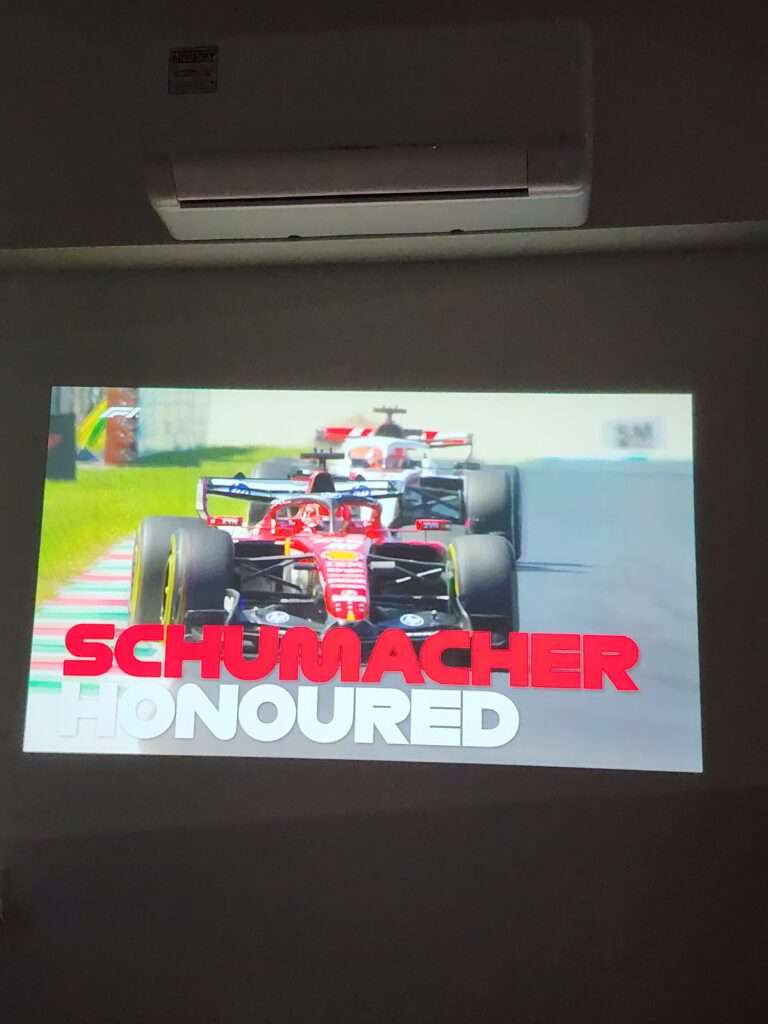
For normal home use, I am happy projecting directly onto a plain wall. A proper screen may improve the result, but it is not required to enjoy the projector.
Sound Quality
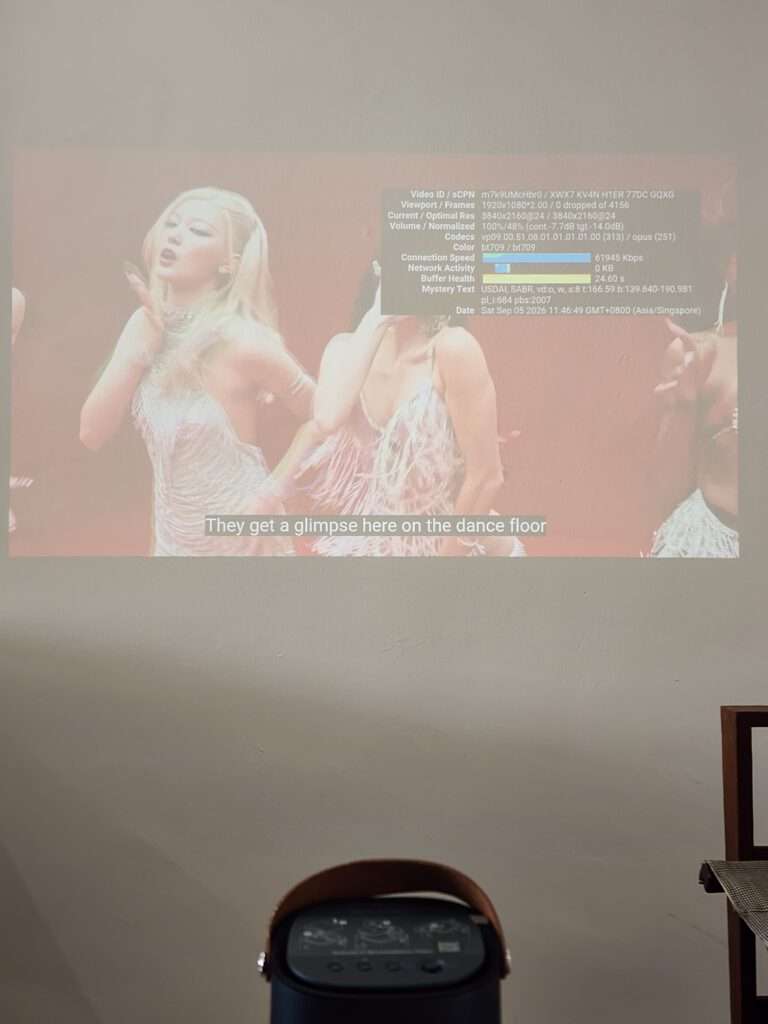
The ZenBeam L2 has a 10W Harman Kardon speaker behind the large rear grille.
I was surprised by how loud it can get for such a compact projector. It can fill a bedroom, hotel room or an average-sized living room without needing another speaker.
Dialogue is clear and there is some bass from the speaker. It will not replace a proper home cinema system, but I find it good enough for movies, YouTube and casual gaming.
The sound comes from the rear, so it works best when the projector is placed in front of the viewers. If you want a wider soundstage or stronger bass, external speakers can be connected through the 3.5mm output.
The cooling fan can be heard during quiet scenes, but it is not very distracting once a video starts. At a normal listening volume, the built-in speaker covers most of the fan noise.
Final Thoughts
The official retail price of the ASUS ZenBeam L2 in Singapore is S$1,099, although ASUS has also listed it at a discounted price of S$779.
At S$1,099, I find it expensive for a Full HD projector with 400 ANSI lumens. At S$779, it is much easier to recommend because the price includes the Android TV box, built-in battery, Harman Kardon speaker, autofocus, automatic keystone correction, remote control and padded carrying case.
The main weakness is brightness. The image looks sharp and colourful in a dark room but becomes washed out when too much daylight enters. Battery Low mode is dimmer again, so it works best at night.
What I like most is how easy it is to use. The Android TV box is hidden inside, the picture adjusts itself when the projector starts and the built-in speaker is powerful enough for normal viewing. I can set it up without having several loose devices and cables on the table.
Overall, the ASUS ZenBeam L2 is a good portable projector for movies, streaming and casual gaming. I would consider it at the discounted price of S$779,
ASUS ZenBeam L2 Smart Portable LED Projector
779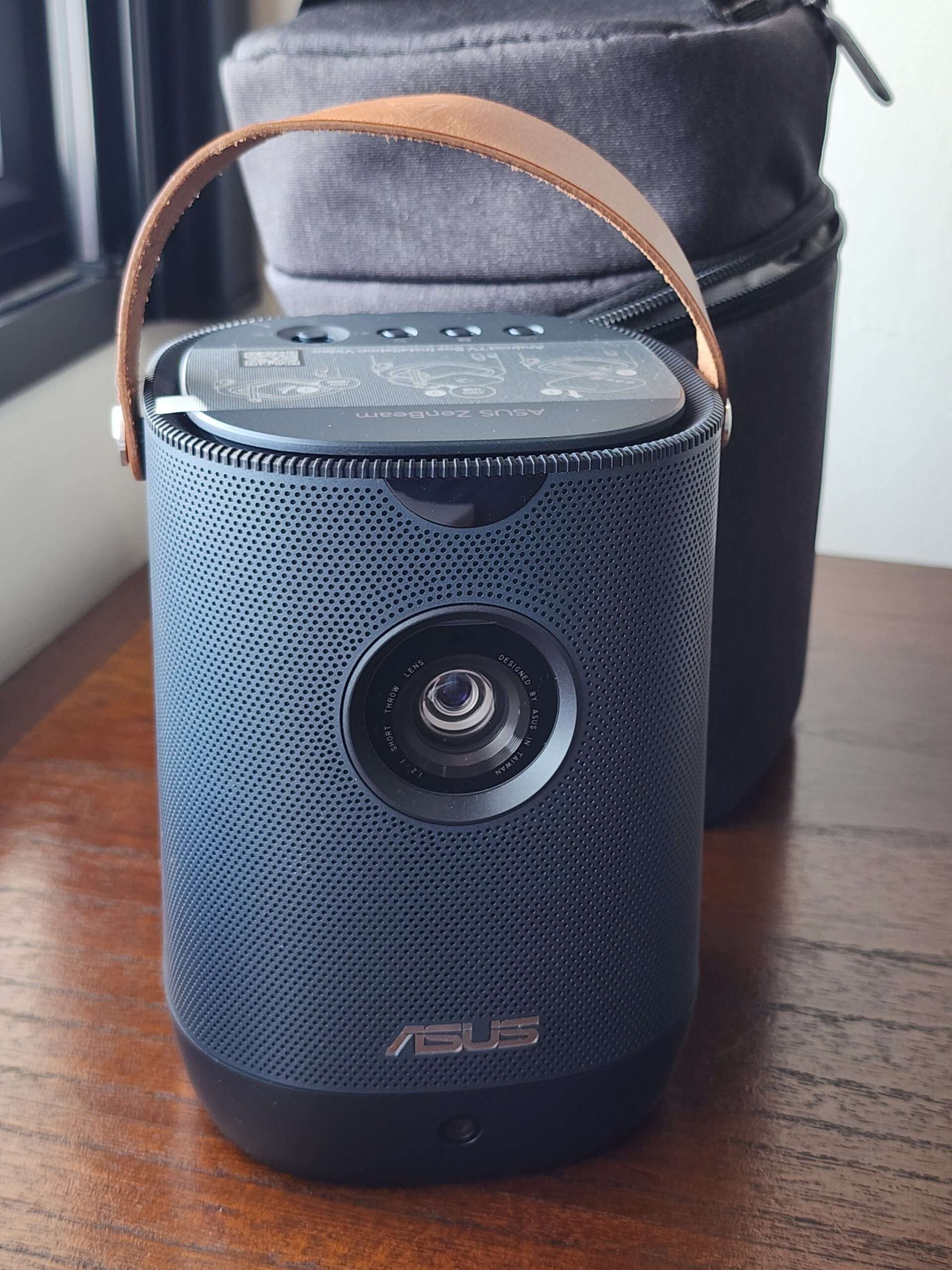
Pros
- Sharp and colourful Full HD picture in a dark room
- Fast autofocus and automatic keystone correction
- Android TV box fits neatly inside the projector
- Surprisingly powerful 10W Harman Kardon speaker
- Built-in battery and padded carrying case included
Cons
- Picture looks washed out in a brightly lit room
- Battery Low mode reduces brightness to around 240 lumens
- Native resolution is limited to Full HD
- Slight loss of sharpness near the edges when using stronger keystone correction