Just as thorough hand washing and other hygienic practices have become key aspects of our daily lives, keeping our smartphones clean should also form a key part of our self-sanitation routines given just how much we interact with our mobile devices.
So, how exactly can you continue to use your smartphone and stay hygienic? Read on for some suggestions as to how you can effectively and safely clean your smartphone.
Why Do You Need to Clean Your Smartphone?
According to a study by global consultancy firm Deloitte, American users view their smartphones around 14 billion times a day, with each individual user picking up their phone 52 times a day on average. As we enter a phase of telecommuting and remote communication, these numbers are only set to increase.
“Our studies show us that viruses can survive on plastic or metal surfaces for up to 2 or 3 days”
Best Practice Smartphone Hygiene
The first thing to remember when looking to keep your device clean is not to use general cleaners, compressed air sprays or disinfectant and bleach-based products. While these might be useful in keeping communal spaces around the home hygienic, these solutions can peel off or damage the oleophobic coating layer over your smartphone’s display that shields the screen from fingerprint smudging.

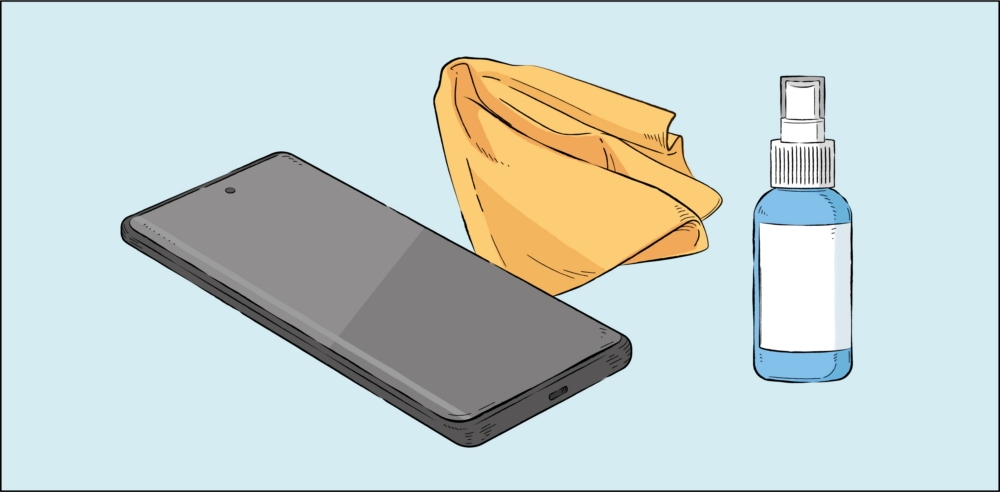
In order to keep enjoying the best experience with your smartphone after cleaning, be sure to fully power down your device and remove its case, cables and other accessories. Once you have done this, use a lint-free microfiber cloth to wipe down the exterior of the device.
If needed, you can use a small amount of distilled water or disinfectant, such as a hypochlorous acid-based (50-80ppm) or alcohol-based (over 70% ethanol or isopropyl alcohol) product – but always apply these to your microfiber cloth, not directly to your phone, and be sure to avoid getting any liquid in your phone’s openings. Dampen your cloth with disinfectant and gently wipe the front and back of your device to cleanse it.

You can use the same methods as above for cleaning the watch face of your SmartWatch once you have removed its straps. While such disinfection methods should be avoided for leather or rubber surfaces, they are suitable for glass, ceramic and metal surfaces, such as the display of your smartphone and the watch face of your SmartWatch.